
Quick Answer
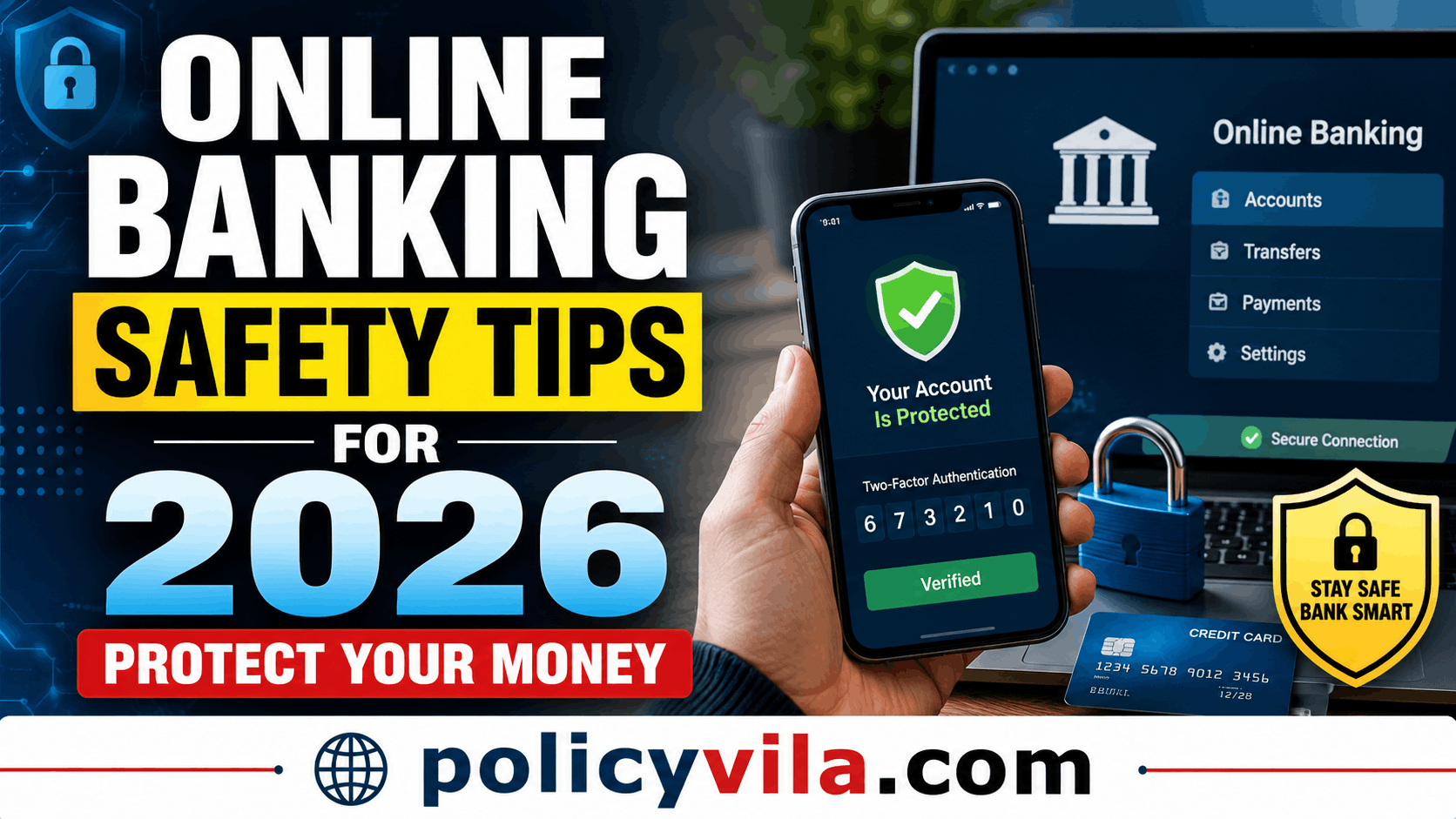
The highest-impact protections are: a unique, strong password for your banking accounts, two-factor authentication turned on, never clicking a banking link in an email or text (type the address in yourself instead), and checking your account activity at least weekly so fraud gets caught early. Beyond that, the biggest ongoing risk is social engineering — a caller or message creating urgency to get you to share a one-time code. No legitimate bank will ever ask for your full password or a one-time passcode over the phone.
Table of Contents
- Why This Matters More Than It Used To
- How Banking Fraud Actually Happens
- Core Protections Worth Setting Up
- Scam Types to Recognize in 2026
- Why These Scams Work
- Common Mistakes That Increase Risk
- Myths vs. Facts
- What to Do If You Think You’ve Been Targeted
- Frequently Asked Questions
- Final Thoughts
Why This Matters More Than It Used To
Two shifts have changed the shape of banking fraud in recent years. First, more banking now happens on phones than on desktop computers, which means a lost or unlocked phone is a more direct path to your accounts than it used to be. Second, generative AI has made scam messages, and even scam phone calls, harder to distinguish from the real thing — a fraudulent text can now be grammatically perfect, and a scam call can use a cloned voice that sounds like someone you know.
None of this means online banking is inherently unsafe. Bank-side security (encryption, fraud monitoring, account alerts) has also improved. But it does mean that the human side of security — recognizing manipulation and avoiding careless habits — now matters as much as any password.
How Banking Fraud Actually Happens
Phishing
A message impersonating your bank asks you to “verify” your account through a link. The linked page looks identical to your bank’s real login page, but it’s controlled by the scammer, and anything you type there — username, password, PIN — goes straight to them.
Credential Theft From Other Breaches
If you reuse a password across sites, a breach at an unrelated company can expose the same password criminals then try against your bank login. This is one of the most common ways accounts get compromised without the bank itself ever being breached.
Malware
Malicious software installed through a fake app, infected attachment, or compromised download can log your keystrokes or capture your screen, defeating even a strong password.
Fake Banking Apps
Counterfeit apps that mimic a real bank’s branding can appear in unofficial app stores or be sideloaded outside official channels, and are designed purely to capture login credentials.
Social Engineering
Rather than attacking your accounts technically, a scammer calls or messages you directly, posing as a bank fraud department, a family member in an emergency, or tech support, and manipulates you into sharing a one-time code or approving a transaction yourself.
Core Protections Worth Setting Up
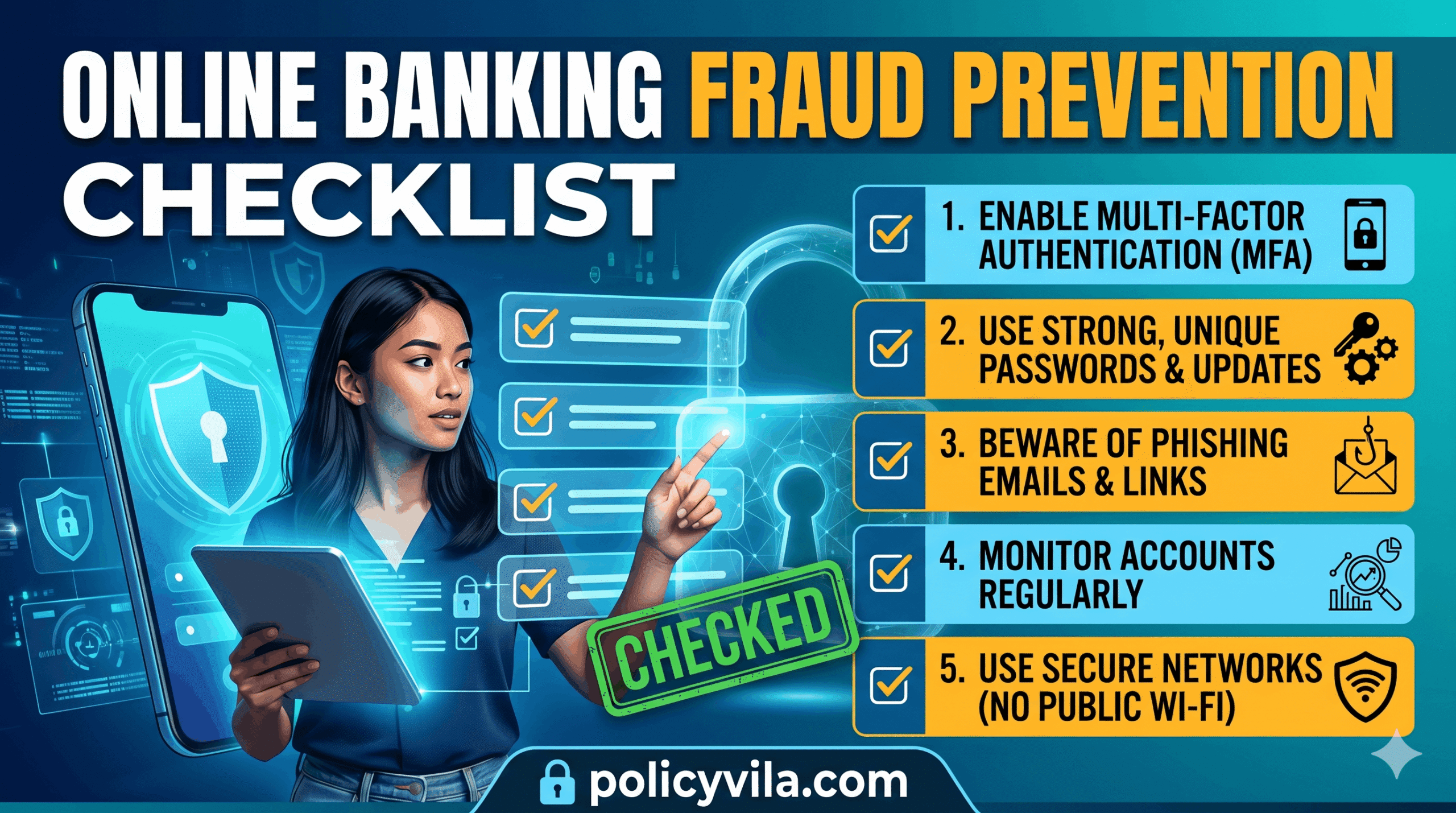
Use a Strong, Unique Password
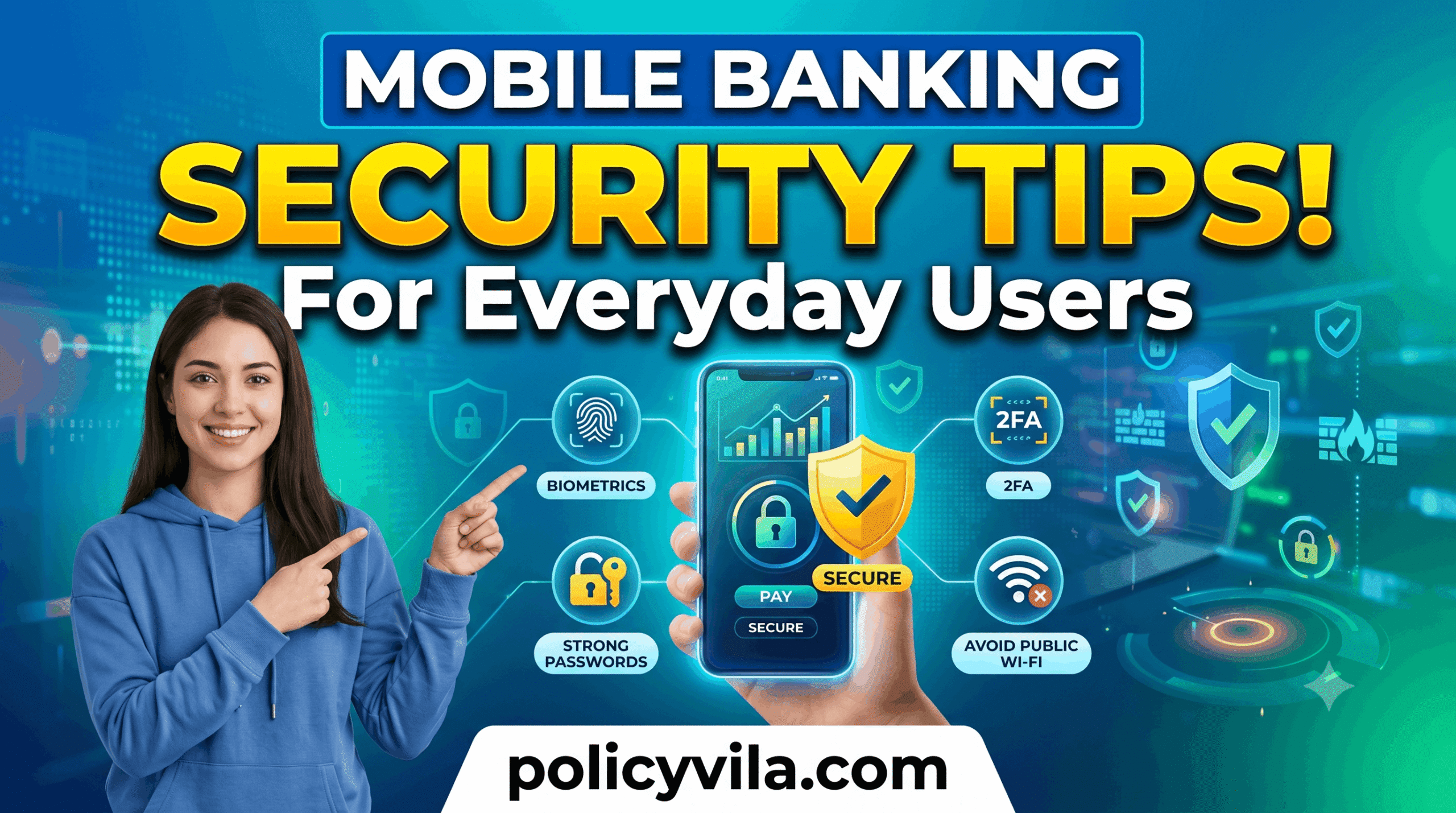
Aim for at least 12–16 characters mixing letters, numbers, and symbols, and never reuse it on another site. A password manager makes this realistic — you only need to remember one master password, and it generates and stores the rest.
Turn On Two-Factor Authentication (2FA)
2FA means a stolen password alone isn’t enough to get in — the attacker also needs a code from your phone or an authentication app. This single setting blocks a large share of account-takeover attempts, even when a password has already been compromised elsewhere.
Type the Bank’s Address Yourself
Instead of clicking a link in an email or text, open a browser and type your bank’s URL directly, or use the official app. This one habit defeats most phishing attempts regardless of how convincing the message looks.
Avoid Banking on Public Wi-Fi
Networks in airports, hotels, and coffee shops aren’t always properly secured, and traffic on them can potentially be intercepted. Use mobile data or a VPN if you need to check your account while out.
Keep Devices and Apps Updated
Security updates patch vulnerabilities that malware is built to exploit. Enabling automatic updates on your phone, computer, and banking apps closes those gaps without requiring you to think about it.
Turn On Account and Transaction Alerts
Most banks offer free real-time notifications for logins, large purchases, and password changes. These alerts are often how fraud gets caught within minutes rather than weeks.
Review Account Activity Weekly
Fraud often starts with a small test charge before larger unauthorized transactions follow. Catching an unfamiliar $7 charge early can prevent a much larger loss later.
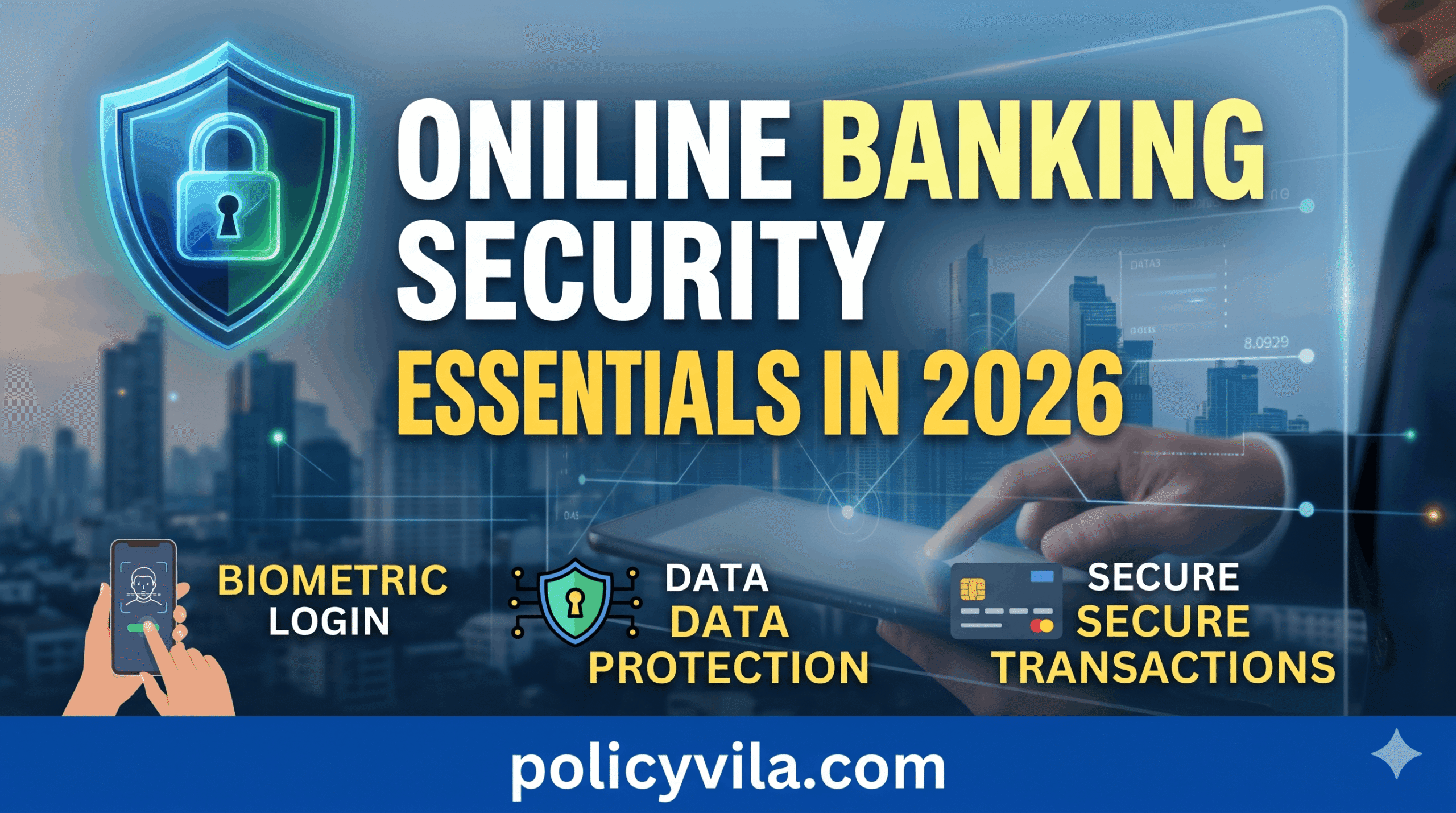
Use Biometric Login Where Available
Fingerprint or facial recognition adds a layer that’s difficult to steal remotely, unlike a password obtained through phishing.
Scam Types to Recognize in 2026
| Scam Type | How It Works | Key Defense |
|---|---|---|
| AI voice cloning | A cloned voice, built from a short audio sample, impersonates a family member or bank rep in an urgent call. | Verify through a separate channel before sending money — call the person back on a known number. |
| SMS phishing (smishing) | A text claims your account is locked or suspicious activity was detected, with a link to a fake login page. | Open your banking app directly instead of tapping the link. |
| QR code fraud | A fraudulent QR code, sometimes physically placed over a legitimate one, redirects to a fake payment or login page. | Check the URL that appears before confirming a scan. |
| Fake customer support calls | A caller claims to be from your bank’s fraud department and asks for a one-time code “to secure your account.” | Hang up and call the number on the back of your card. |
| Investment and crypto scams | Promises of guaranteed high returns pressure victims into fast, often irreversible transfers. | Be skeptical of any “guaranteed” or unusually high return; verify licensing independently. |
Why These Scams Work
Nearly every successful scam relies on the same psychological lever: urgency. A message claiming your account will be closed today, or a caller saying fraud is happening right now, is designed to make you act before you think. Legitimate banks rarely demand an immediate response through email, text, or an unsolicited phone call — a real security issue can be resolved by contacting the bank directly on your own terms, not by responding instantly to whoever contacted you first.
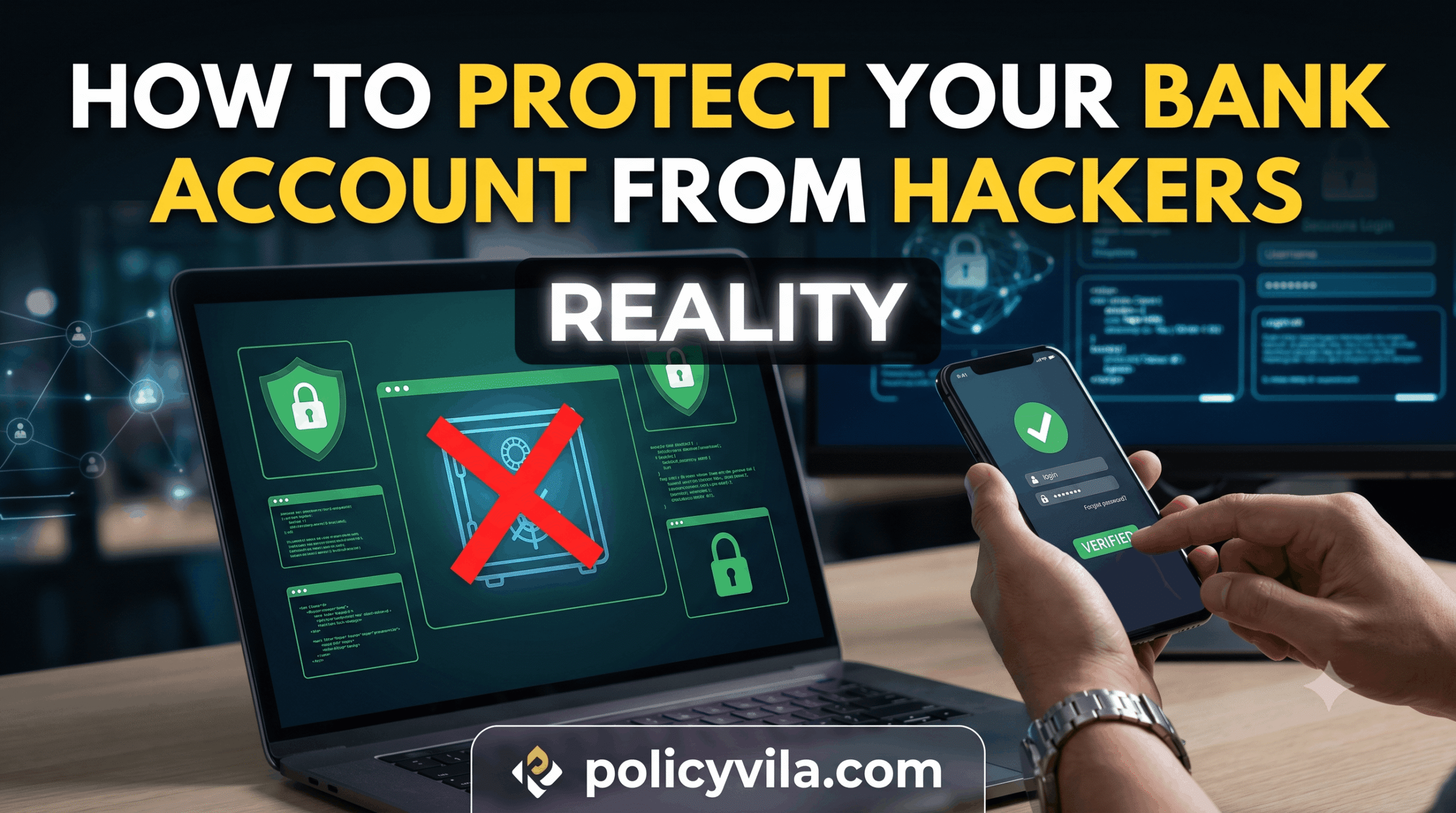
The most reliable defense against urgency-based manipulation is a deliberate pause: hang up, close the message, and reach the institution through a number or website you already know to be legitimate — not one provided in the suspicious message itself.
Common Mistakes That Increase Risk
- Reusing passwords across sites. A breach anywhere becomes a risk everywhere you used that password.
- Clicking links in unexpected bank messages. Even a message that looks legitimate can lead to a convincing fake login page.
- Ignoring small, unfamiliar charges. These often test whether a stolen card is still active before larger fraud follows.
- Trusting caller ID. Phone numbers can be spoofed to display your bank’s real number even when the call isn’t from your bank.
- Saving passwords on shared or public devices. Anyone using the device afterward may inherit access to your session.
- Delaying a fraud report. The faster a bank is notified, the more options it has to limit the damage.
Myths vs. Facts
| Myth | Fact |
|---|---|
| My bank will automatically catch all fraud. | Banks help detect fraud, but customer vigilance — reviewing activity, reporting quickly — remains a key part of prevention. |
| A strong password alone is enough protection. | Passwords can still be phished or leaked in breaches; 2FA adds a necessary second layer. |
| Scammers only target wealthy people. | Fraud targets accounts of all sizes, often specifically because smaller accounts get less scrutiny. |
| Official banking apps are risky. | Apps downloaded from your bank’s official source and the legitimate app stores are generally secure when kept updated. |
| Phishing emails are easy to spot. | Many modern phishing messages are polished and hard to distinguish from the real thing at a glance. |
| Public Wi-Fi is safe if it requires a password. | A password requirement doesn’t guarantee the network’s traffic is properly encrypted. |
What to Do If You Think You’ve Been Targeted
- Contact your bank immediately through the number on your card or its official app — not a number from a suspicious message.
- Change your banking password and any other account where you reused it.
- Freeze the affected card if your bank’s app supports it, to stop further charges instantly.
- Review recent transactions for any other unfamiliar activity.
- Consider a credit freeze if personal information (not just card details) may have been exposed, to prevent new accounts being opened in your name.
- Scan your device if you clicked a suspicious link, in case malware was installed.
Frequently Asked Questions
Will my bank ever call and ask for my one-time passcode?
No. Legitimate banks don’t ask for passwords, PINs, or one-time authentication codes over the phone. Any call requesting one is a scam, regardless of how official it sounds.
Is it safe to save my banking password in my phone’s browser?
On your own private, locked device, browser-saved passwords are reasonably safe, though a dedicated password manager typically offers stronger encryption and easier password rotation. Never save passwords on a shared or public device.
Can a scammer access my account with just my phone number?
Not directly, but a phone number is often a stepping stone — it can be used for SIM-swap attacks that intercept SMS-based 2FA codes, which is one reason an authentication app is generally more secure than text-message codes.
What’s the difference between a credit freeze and a fraud alert?
A credit freeze blocks new creditors from accessing your credit file entirely until you lift it. A fraud alert doesn’t block access but requires lenders to take extra verification steps before approving new credit in your name.
Are banking apps safer than using a browser?
Official apps often include extra protections like biometric login and certificate pinning that make certain attacks harder, but the app is only as safe as the device it’s installed on — a compromised phone undermines either method.
How quickly do banks typically respond to reported fraud?
This varies by bank and the type of transaction. Card fraud is often addressed within days, while wire transfers and some digital payment methods can be far harder to reverse — which is why speed in reporting matters most for those payment types specifically.
Should I use the same password manager across all my financial accounts?
Using one reputable password manager to generate and store unique passwords for each account is generally safer than reusing passwords, as long as the manager itself is protected with a strong master password and 2FA.
read also: Life Insurance for Seniors Over 60: The Financial Questions Worth Asking First
Final Thoughts
Online banking fraud usually succeeds by exploiting a moment of urgency or a reused password, not by breaking through sophisticated technical defenses. The practices that matter most — a unique password, two-factor authentication, typing in your bank’s address rather than clicking a link, and reviewing your account regularly — are neither complicated nor time-consuming, but they close off the paths scammers rely on most.
The goal isn’t to treat every message with suspicion or avoid digital banking altogether. It’s to build a habit of pausing before urgent requests, verifying through channels you already trust, and keeping the handful of security settings above turned on. Those habits, more than any single piece of software, are what keep an account safe.