
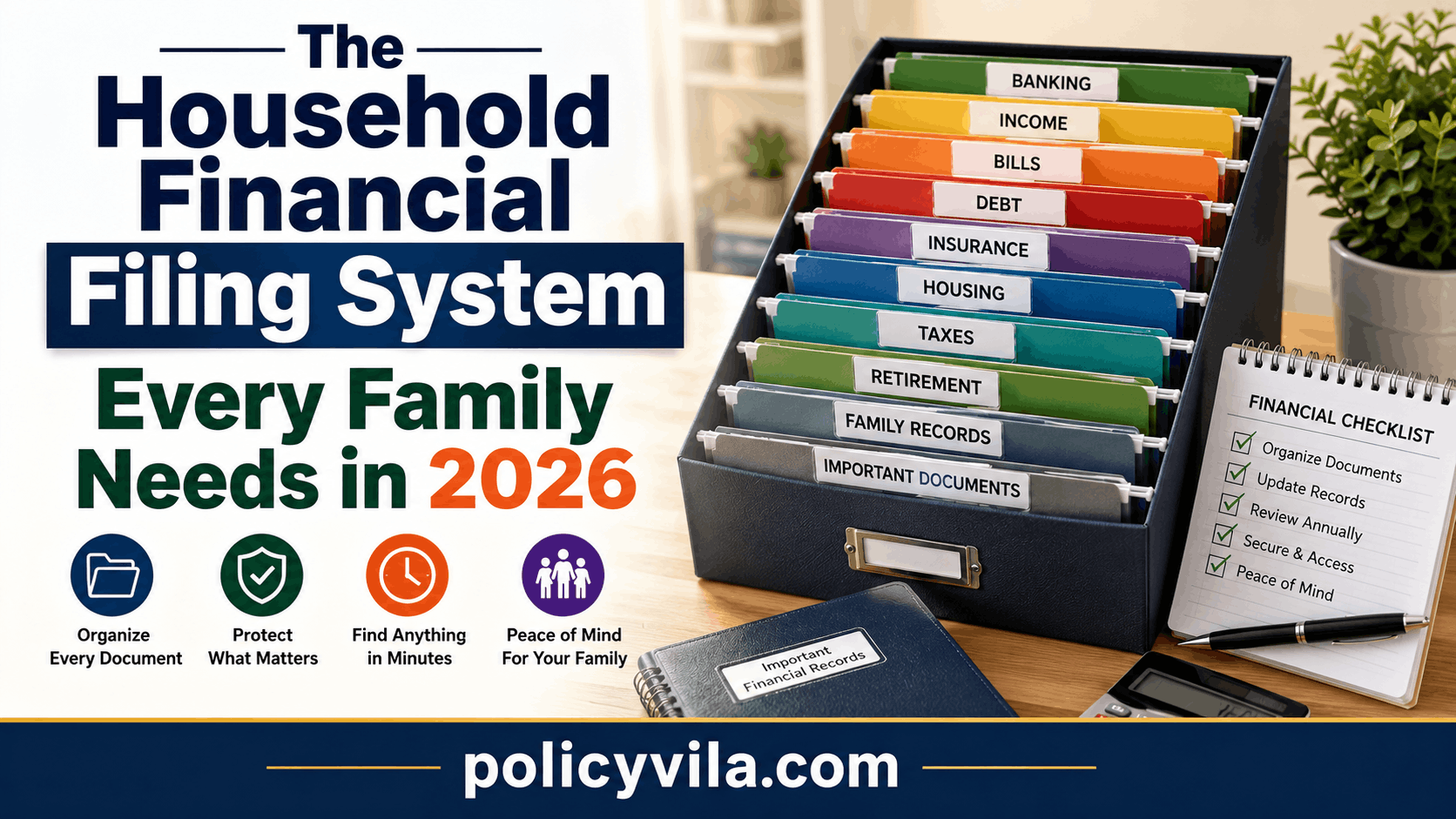
The problem usually isn’t too much paperwork — it’s that the paperwork has no shared system. This guide walks through how to build a household financial filing system that any trusted family member can actually use, not just the one person who happens to remember where everything is.
Quick Answer
A household financial filing system organizes family paperwork into clear categories — banking, income, bills, debt, insurance, housing, taxes, retirement, and long-term records — so every document has one primary home instead of being scattered across drawers, inboxes, and phone downloads. The system works when it meets three tests: each document has a single clear location, anything important can be found in under five minutes, and at least one other trusted family member understands the structure.
Why Financial Paperwork Gets Messy
Financial clutter rarely happens all at once — it builds one document at a time. A bank statement arrives by email. A paper insurance policy goes into a drawer. A loan notice gets downloaded to a phone and forgotten. A tax document gets saved under a name that means nothing six months later.
Without meaning to, most households end up with a filing system anyway — just one based entirely on where someone happened to put things. If the person who manages most of the paperwork is unavailable, everyone else is stuck searching for a document that technically already exists somewhere.
The recurring causes behind messy financial records tend to be the same across households:
- Documents arrive through several different channels — mail, email, apps, downloads
- Paper and digital records get mixed together with no clear split
- More than one family member handles paperwork, with no shared structure
- Old records never get reviewed or cleared out
- File names give no indication of what’s inside
- Nobody has actually been assigned responsibility for organizing any of it
None of this is solved by buying more storage. It’s solved by giving every document a category it belongs to.
What a Household Financial Filing System Actually Is
A household financial filing system is a structured way to store, categorize, and locate a family’s important financial documents. Think of it as a map for your paperwork rather than a pile you hope to remember the contents of.
It differs from a personal filing habit in one key way: a personal system only has to make sense to the person who built it. A household system has to make sense to the household — which means every important document needs one clear, agreed-upon home, not five possible locations depending on who filed it last.
That single change reframes how you handle new paperwork. Instead of asking “where should I put this for now,” you ask “which folder does this belong in” — a much faster decision once the categories exist.
Three Rules to Follow Before You Start
One Document, One Home
Every important document should have a single primary location. Your current insurance policy, for example, belongs in the Insurance folder. A digital backup is fine, but the family should agree on which copy is the reference point.
Findable in Under Five Minutes
If locating a policy or loan document takes half an hour, the system is too complicated or too vague — not because you’re disorganized, but because the structure isn’t doing its job. The goal is fast access, not a perfectly curated archive.
Understandable by Another Family Member
A system that only works because one person remembers everything has a built-in weak point. Simple folder names and a basic index let a second trusted person find what they need without a guided tour.
The 10 Core Folders
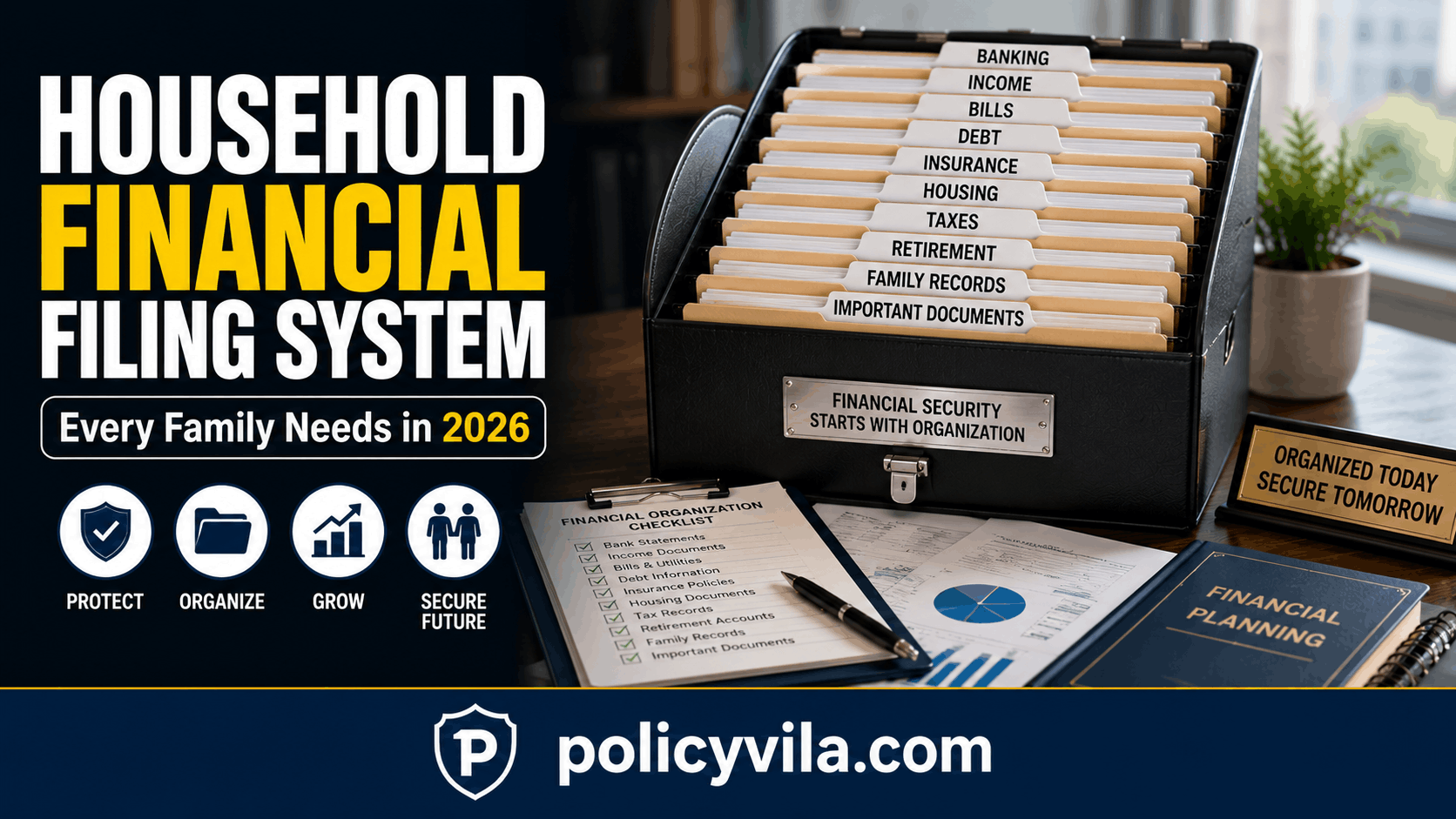
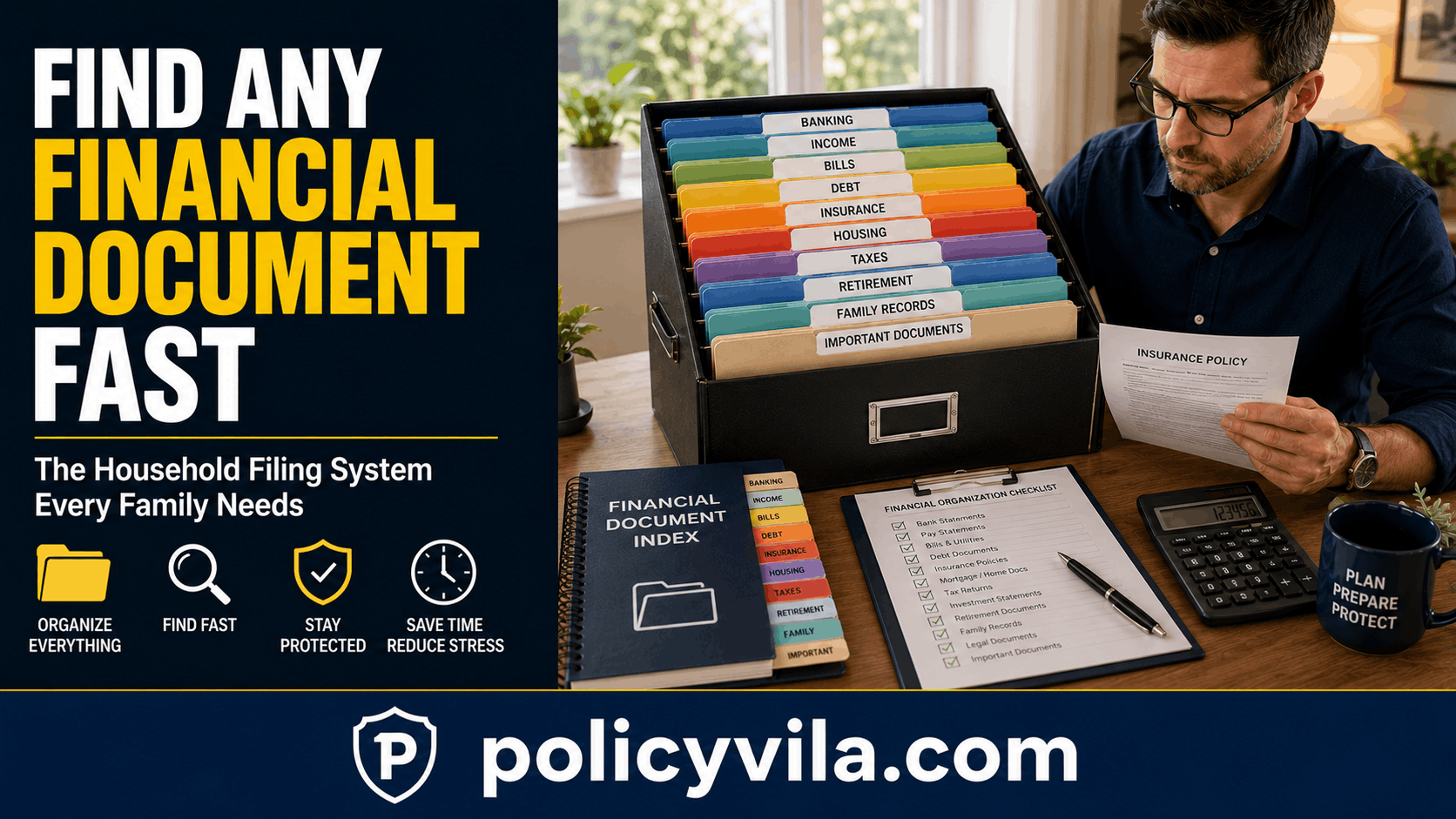
Ten broad categories are enough to organize most household paperwork. Adjust the list to fit your situation, but resist the urge to create dozens of narrow folders on day one.
| Folder | What Goes In It | Common Mistake |
|---|---|---|
| Banking | Account records and statements | Mixing banking records with bills |
| Income | Pay stubs and income records | Leaving records scattered across email |
| Bills | Important recurring bill records | Keeping every old receipt indefinitely |
| Debt | Loan and credit documents | Losing track of payment notices |
| Insurance | Policy and coverage records | Storing policies in several different places |
| Housing | Mortgage or housing records | Mixing home paperwork with tax documents |
| Taxes | Tax-related records, organized by year | Deleting records without reviewing relevance |
| Retirement | Retirement account statements | Forgetting accounts from previous jobs |
| Family Financial Records | Household documents that don’t fit elsewhere | Turning it into a catch-all drawer |
| Long-Term Documents | Records you’ll reference occasionally over years | Filling it with ordinary paperwork |
Keep each folder focused on what it’s meant for. The Bills folder, for instance, exists to help you see current obligations at a glance — not to archive every receipt from the last decade. The Family Financial Records and Long-Term Documents folders are the two easiest to misuse as generic dumping grounds, so keep them deliberately narrow.
Step-by-Step Setup
Build the system in order rather than organizing documents one at a time as you happen to come across them.
- Collect everything first. Check desk drawers, filing cabinets, email inboxes, phone downloads, and computer folders. You don’t need to decide where anything belongs yet — just gather it.
- Create the 10 main categories. Set up the folder structure above before sorting a single document.
- Sort documents into categories. When something could fit two folders, ask where you’d naturally look for it first, and give it that one primary home.
- Separate current from old records. Mixing active documents with expired ones is one of the fastest ways clutter creeps back in — create a separate archive area for anything you still need to keep but rarely reference.
- Create a Needs Action folder. Renewal notices, documents that need review, and time-sensitive communications go here, separate from long-term storage.
- Create a Permanent Reference folder. Reserve this for genuinely important long-term records — not everyday paperwork.
- Label everything clearly. “Insurance” beats “Important Papers 2.” “Debt” beats “Financial Stuff.” Clear names remove guesswork later.
- Build a family document index. A short list of what exists and where it lives turns the whole system into something searchable at a glance.
Building a Family Document Index
A document index answers one question: where’s the document we actually need. It’s not a replacement for the paperwork itself — it’s a map to it, and a useful way to spot gaps, such as knowing you have an insurance policy but not being able to locate the file.
| Document | Location | Last Updated | Action Needed |
|---|---|---|---|
| Insurance policy | Insurance folder | 2026 | No |
| Mortgage document | Housing folder | 2026 | No |
| Tax record | Taxes folder | 2025 | Review |
| Retirement statement | Retirement folder | 2026 | No |
| Loan agreement | Debt folder | 2026 | No |
A simple spreadsheet or even a printed page works fine. What matters is keeping it current — an index nobody updates is just as unreliable as no index at all.
Organizing Physical Documents
Keep one main filing area for household financial records, split into current documents, action-required items, long-term reference records, and an archive. Store sensitive paperwork somewhere secure rather than somewhere casually accessible to anyone passing through.
Organizing doesn’t mean keeping everything. A pile of unnecessary paperwork makes the documents that actually matter harder to find. Review physical files periodically, but don’t dispose of anything you’re unsure about — retention needs vary by document type and personal circumstances, so when in doubt, check what applies to your specific situation before throwing something away.
Organizing Digital Documents
A simple folder structure works well for digital records:
Financial Records → Category → Year → Document
Example: Financial Records → Insurance → 2026 → Policy Document
This keeps everything from piling into one massive folder and mirrors the same categories you’re using physically, so the two systems reinforce each other instead of drifting apart.
Use File Names That Describe the Document
“Insurance Policy 2026” tells you what you’re opening before you open it. “Document123.pdf” doesn’t. Including the year in the file name also makes it much easier to tell current records from outdated ones at a glance.

Bring Documents in From Every Source
Financial paperwork tends to arrive from several places at once — email attachments, bank downloads, scanned paper, and online account portals. Don’t let your email inbox become the de facto filing system by default; move anything important into the structured folders instead, and handle sensitive information with the same care you’d use for physical documents.
The Action Required Folder
Most households mix documents that need a response with documents that are simply being stored, which is exactly how renewal deadlines and follow-up items get missed. A dedicated Action Required folder solves that by keeping anything time-sensitive visibly separate — renewal notices, bills needing review, tax documents, loan notices, insurance communications.
A simple four-step flow keeps the folder from becoming permanent storage itself:
- Receive — the document arrives.
- Review — you understand what it is and whether it needs a response.
- Act — you complete whatever the next step is.
- File — you move it into its proper long-term folder once it’s handled.
A Family Emergency Document Map
Trusted family members should be able to find important financial information quickly if you’re unavailable. A simple emergency document map can point to the location of insurance records, key account information, housing documents, emergency contacts, and the family financial index itself.
Keep this map general rather than detailed — it should say where things are, not list sensitive account numbers or private financial details, and it should never be posted anywhere public. The goal is to give someone a starting point, not a memorized inventory of every document.
Sharing the System With a Partner
It’s common for one partner to handle more of the household paperwork than the other. That’s fine, as long as the system itself stays understandable to both people. Use neutral folder names rather than personal labels like “Alex’s Finance Stuff” — a shared system should read as shared.
A ten-minute walkthrough covering the main categories, the Action Required folder, and where key records live can prevent hours of confusion later. Every household manages money differently, so adapt the structure to how your family actually operates rather than forcing a rigid template.
What to Keep, Archive, or Review
Every document in the system falls into one of three states.
| Category | Purpose | What Happens Next |
|---|---|---|
| Keep | Currently relevant, actively referenced | Store clearly in its primary folder |
| Archive | Older but still potentially useful | Store separately from current documents |
| Review | Requires a decision or closer look | Move to Action Required, then act |
Retention timelines vary by document type and personal situation, so avoid applying a single blanket rule to everything — when a record’s relevance is unclear, that uncertainty is itself a reason to review it rather than discard it.
Monthly and Annual Review Routines
The 30-Minute Monthly Routine
- 5 minutes: Collect any new financial paperwork, physical or digital.
- 10 minutes: Sort each document into its correct folder.
- 5 minutes: Move anything time-sensitive into the Action Required folder.
- 5 minutes: Update the family document index if anything changed.
- 5 minutes: Check whether any expected document seems to be missing.
A short, repeatable routine like this is far easier to maintain than an occasional full-weekend cleanup.
The Annual Deeper Review
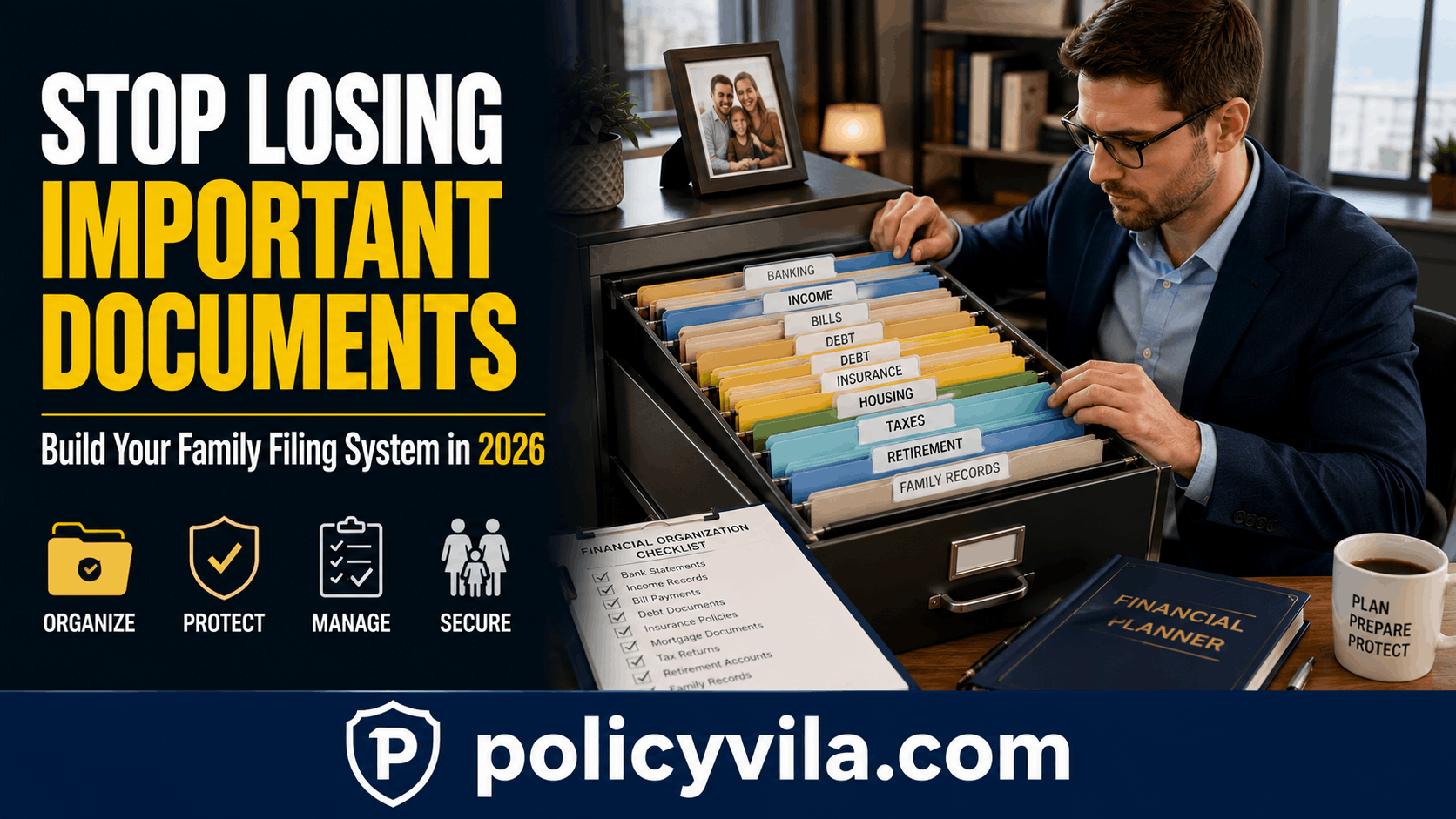
Once a year, go further: review old statements, expired records, and documents across insurance, housing, taxes, debt, and retirement. Ask whether each one still needs to stay where it is, and reconsider the folder structure itself — a household that’s bought a home, had children, or gone through another major change may need categories the original system didn’t account for.
Common Mistakes
Keeping Everything in One Drawer
Important documents disappear into general clutter. Create clear categories instead of one catch-all space.
Creating Too Many Folders
An overly granular system becomes harder to maintain than the mess it replaced. Start with the 10 core folders and split further only if a genuine need appears.
Using Vague File Names
“Important Papers 2” tells you nothing. Use specific names with the year included.
Only One Person Knowing the System
This recreates the exact problem the system is meant to solve. Share the index and explain the structure to at least one other trusted person.
Mixing Action Items With Long-Term Storage
Time-sensitive documents get lost among records nobody needs to revisit. Keep the Action Required folder separate and check it regularly.
Letting Email Become the Default Filing System
An inbox wasn’t built to be searchable long-term storage. Move anything important into the structured system.
Never Updating the Index
An outdated map is nearly as unhelpful as no map. Review and update it during the monthly routine.
Disposing of Records Without Checking Relevance
Retention needs vary by document, so a document that looks safe to discard isn’t always safe to discard. When unsure, hold onto it and review more carefully before removing it.
Printable Setup Checklist
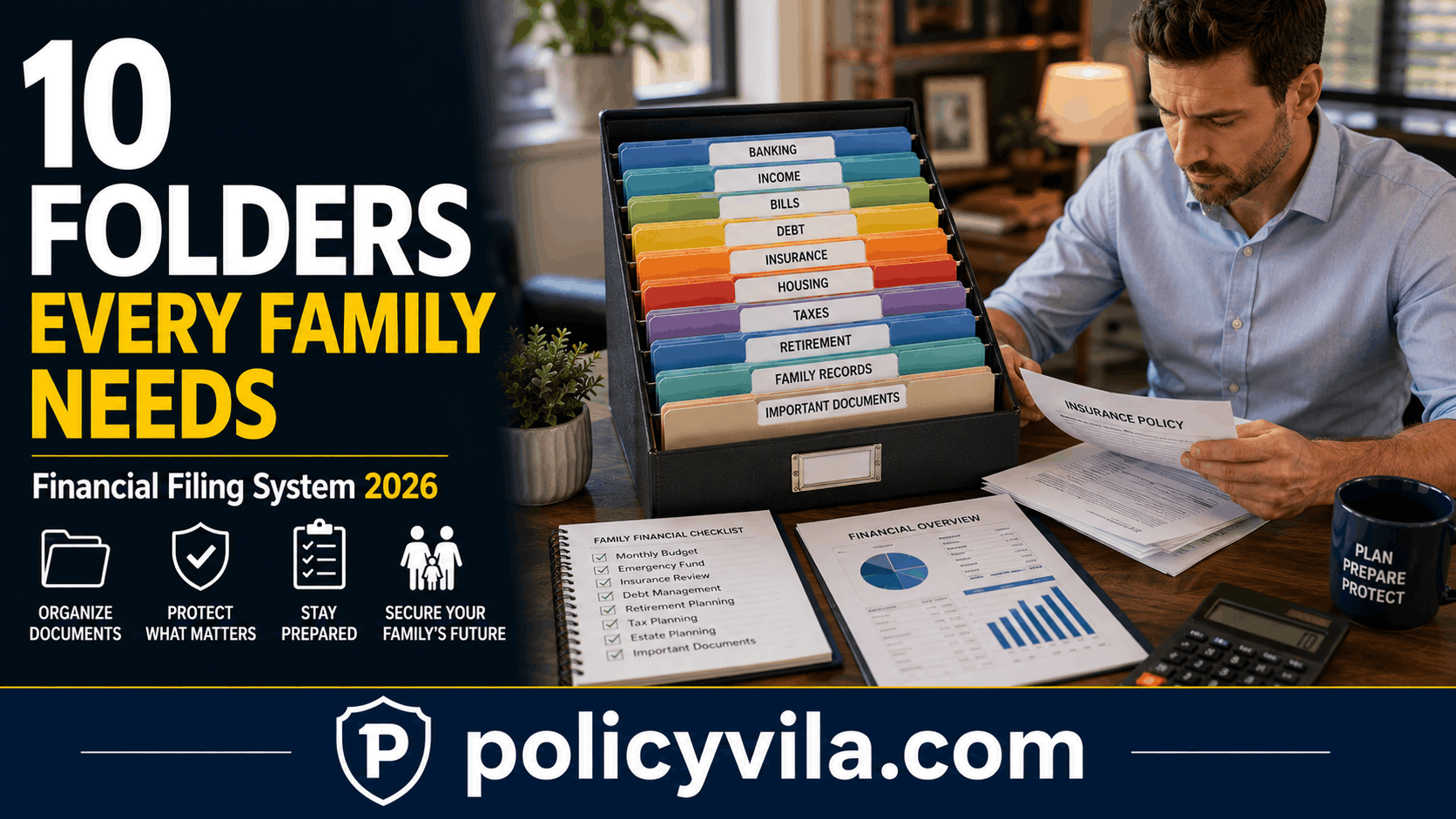
- Banking documents organized
- Income records organized
- Bills reviewed
- Debt documents filed
- Insurance records organized
- Housing records filed
- Tax documents reviewed
- Retirement records organized
- Family financial documents filed
- Important documents indexed
- Action Required folder created
- Digital filing structure created
- Monthly review scheduled
Frequently Asked Questions
Do I need to reorganize everything at once, or can I build the system gradually?
You can build it gradually. Setting up the 10 folders and sorting the most important documents first — insurance, banking, and taxes — gives you most of the benefit even before every old paper is filed.
What if my household already has a filing system that mostly works?
Keep what’s working. Adopt the parts that address a genuine gap, like the Action Required folder or the document index, rather than rebuilding a system that already functions.
Should each family member have a separate personal folder inside the shared system?
It can help for documents that are clearly individual, like a personal retirement account, as long as the outer structure and index remain shared and understandable to everyone involved.
How do I handle documents for a family member who has passed away or is no longer part of the household?
Move their records into a clearly labeled archive rather than deleting them, since some may still be relevant for tax, insurance, or legal reasons — check what applies to your specific situation before disposing of anything.
What’s the difference between the Action Required folder and the Review category?
Action Required is a physical or digital location for documents awaiting a response. Review is a status — a document you’re evaluating for continued relevance, which may or may not also need action.
Is a password manager part of a financial filing system?
It’s a related but separate tool — a filing system organizes documents, while a password manager secures account credentials. Many households use both alongside each other.
How do I convince a partner who resists organizing paperwork to use the system?
Start with the smallest version — just the Action Required folder and a short index — rather than the full 10-category rebuild, since a simple win is easier to adopt than a complete overhaul.
Final Thoughts
A household financial filing system isn’t about building an elaborate office archive. It’s about answering one question quickly: where’s the document we need?
Every important record deserves a clear home, the structure needs to be simple enough for more than one person to understand, and the system needs a regular review so it doesn’t quietly slide back into the same clutter it replaced. None of that requires a perfect setup — it just requires one your household will actually keep using.